You're preparing another weekly update, but the details are scattered across task comments, a spreadsheet, and client emails. Your client wants to know whether the work is on track. Your team needs to know what's blocked and who should act next. Neither needs another complicated system just to read the answer.
The best status report template is the one that fits your existing reporting routine. Start with the format your audience already uses, then choose the level of detail they need each week. A spreadsheet works for ranking observations and milestone tracking. A shared project page suits an active delivery team. A visual summary works when an executive or Etsy seller needs the main points without the task history.
Choose a template that makes progress, risks, decisions, and next steps clear. Don't make stakeholders learn your entire work-management setup to understand an update.
My recommendation: keep reporting inside Asana, ClickUp, Confluence, or monday.com if your team already works there. Choose Smartsheet or Vertex42 for spreadsheet-first updates, Word for straightforward client documents, and Miro or Canva for visual summaries. Use Notion when you want reports and campaign notes together.
1. Asana Status Report Template
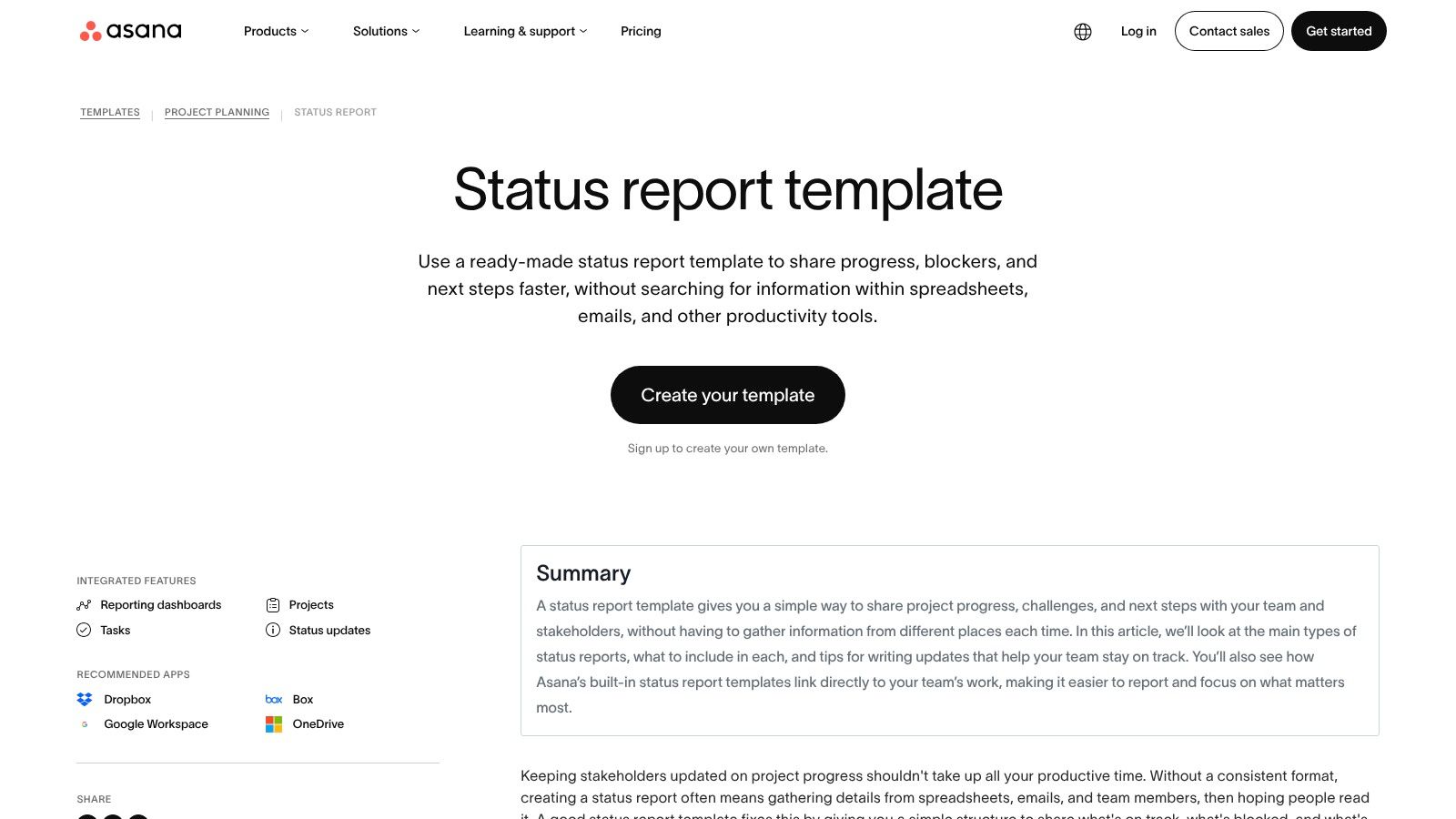
Choose Asana if your team already manages delivery there. Its status report template organizes summaries, blockers, risks, milestones, and next steps, with project dashboards alongside the written update. Google Workspace, Box, OneDrive, and Dropbox integrations also support a workflow where supporting documents stay connected to project work.
The practical advantage is consistency. Your team can use the same weekly or biweekly structure and pair its explanation with lightweight indicators such as completed tasks and upcoming due items. For a listing campaign, keep those execution metrics separate from evidence of ranking movement.
Best fit: Teams that want reporting close to the tasks they are already updating.
Main drawback: External sharing requires attention to guest access and permissions.
Before adopting: Open the report as a client would and check whether linked evidence is accessible.
Don't confuse completed activity with the current project condition. Upglider's explanation of what a progress report covers helps clarify that distinction: a useful status update should explain what the completed work means for the objective.
Keep a dated snapshot when you need a permanent client record. A live dashboard and a historical report serve different purposes.
2. Atlassian Confluence Project Status Report Template
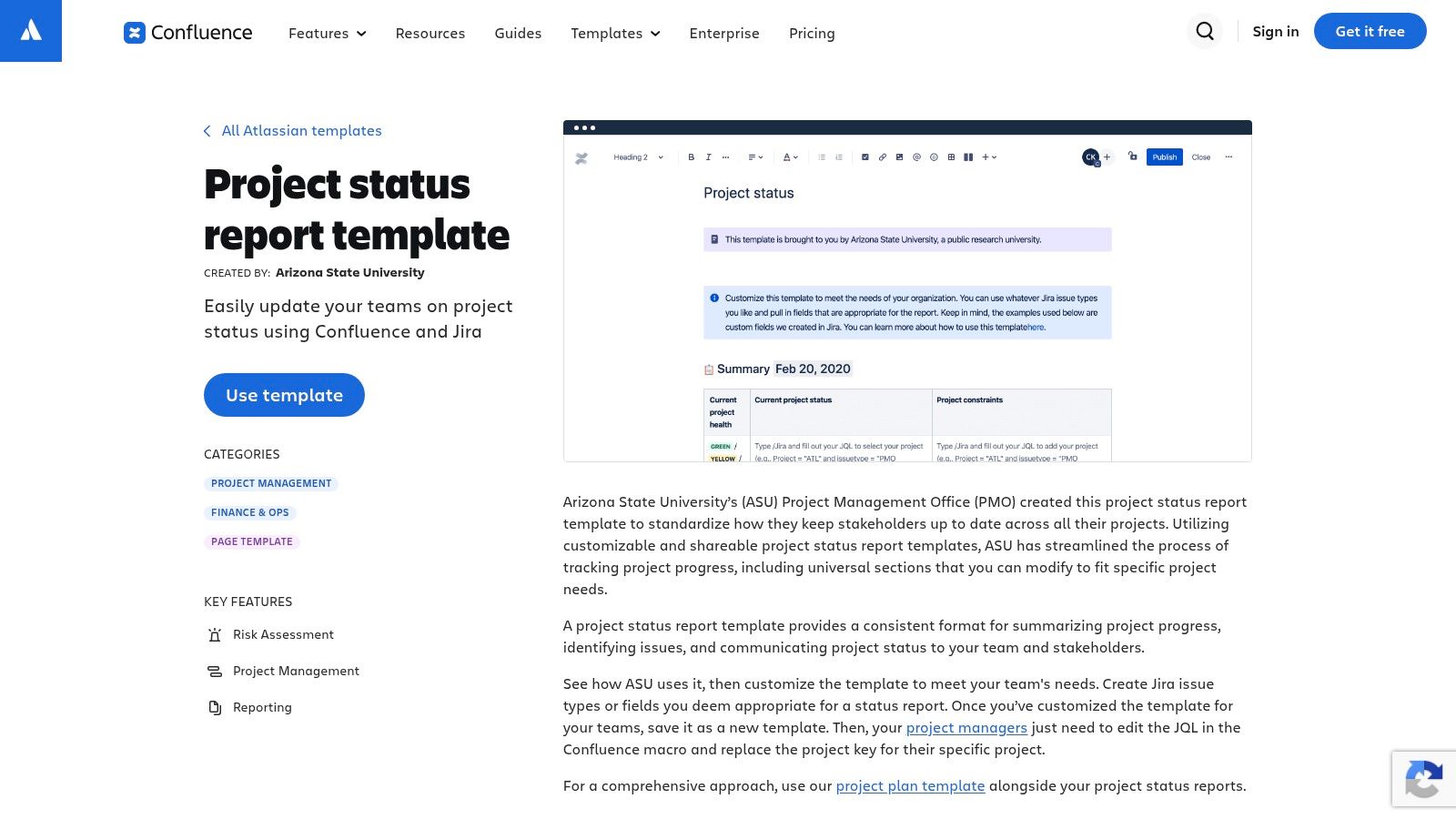
When stakeholders regularly ask why a status changed, Confluence is the stronger choice for documented context. The Confluence project status report template provides a wiki-style page for project health, timelines, risks, and decisions. Its edit history and comments support a durable reporting record.
Use a separate page for each campaign, with consistent fields across the workspace. Page Properties and Page Properties Report can support portfolio summaries, while reporting macros can display issue lists or change logs. Dynamic Jira sections require the Jira integration, so don't design your reporting process around them unless that connection is available.
Keep the report readable without the macros
Put the current verdict, unresolved issue, and required decision in ordinary page text. Readers shouldn't need to understand the reporting configuration to know what needs attention.
Confluence falls short when a team wants a fixed document with almost no setup. Macros and page properties require someone to maintain the structure, and client permissions still need testing.
Use clear progress report comments to explain changes rather than leaving unexplained status labels. Before adopting, check the exported report, access to linked pages, and whether your team will retain dated updates instead of continually rewriting the same summary.
3. ClickUp Weekly Status Report Template
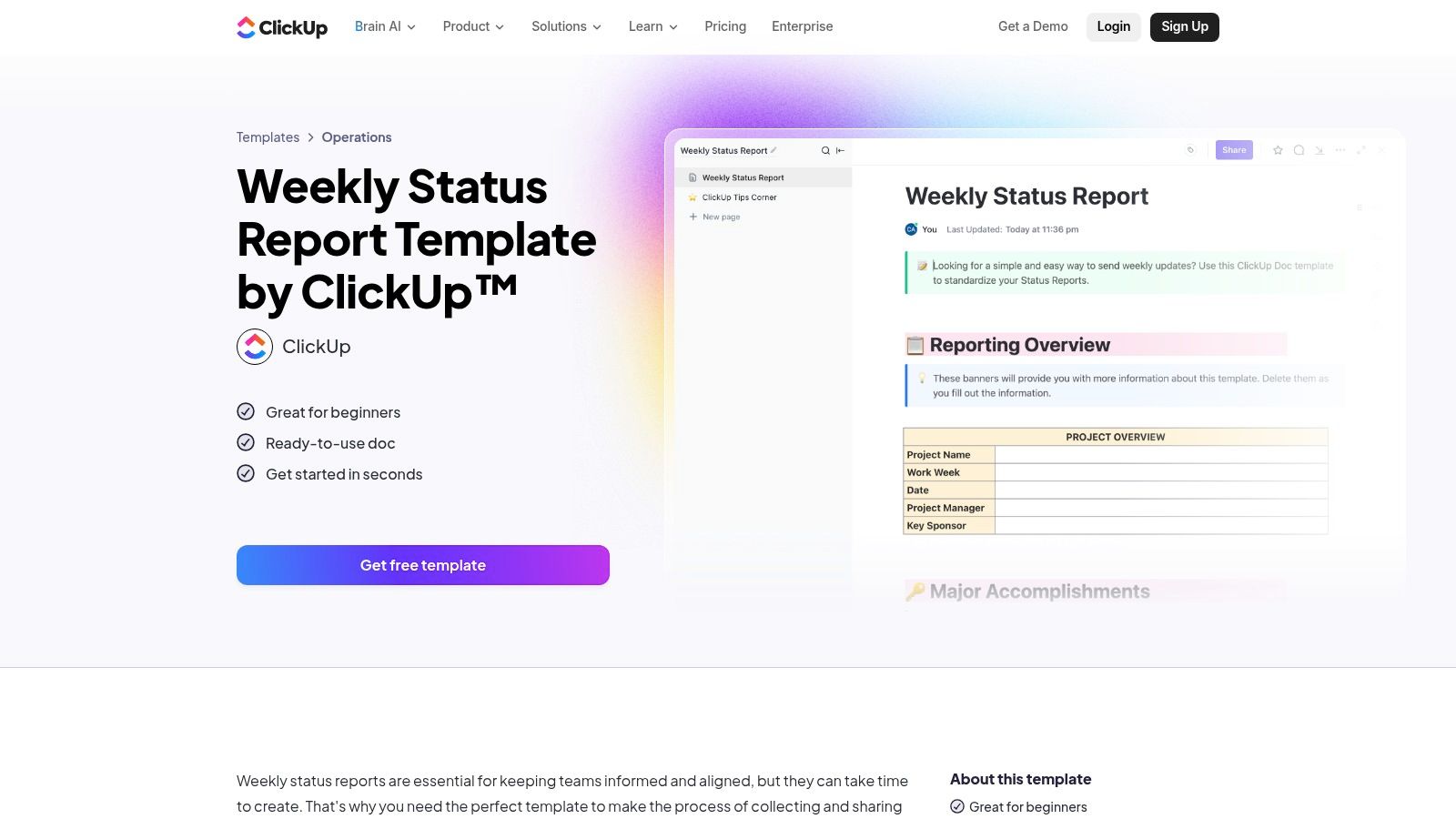
ClickUp suits teams that want a repeatable weekly report with room to customize. Its Weekly Status Report Template organizes progress, blockers, and next steps. Team-specific variants, dashboards, export options, and a Google Docs project status report option give you different ways to deliver the update.
Start with a stable structure before adding dashboard detail. Time in status and workload checks can help an internal team understand delivery problems, but they shouldn't crowd out the client's actual objective.
Use it for: Recurring campaign updates with a consistent status, summary, and metrics area.
Limit the customization: Keep field names and status meanings consistent across campaigns.
Review the plan: Advanced reporting and user management sit on paid tiers, so check current pricing and billing terms before building dependencies around them.
Practical rule: A customized report is useful only if another team member can update it without rebuilding your logic.
For client-facing language, use a status update format that makes the next action clear. Separate task completion from outcome evidence, and name the person responsible for each blocker.
Before adopting, test the export you'll send. Check whether it preserves the reporting period, metric labels, and explanatory notes rather than assuming the dashboard view will translate cleanly.
4. Smartsheet Project and Weekly Status Report Templates
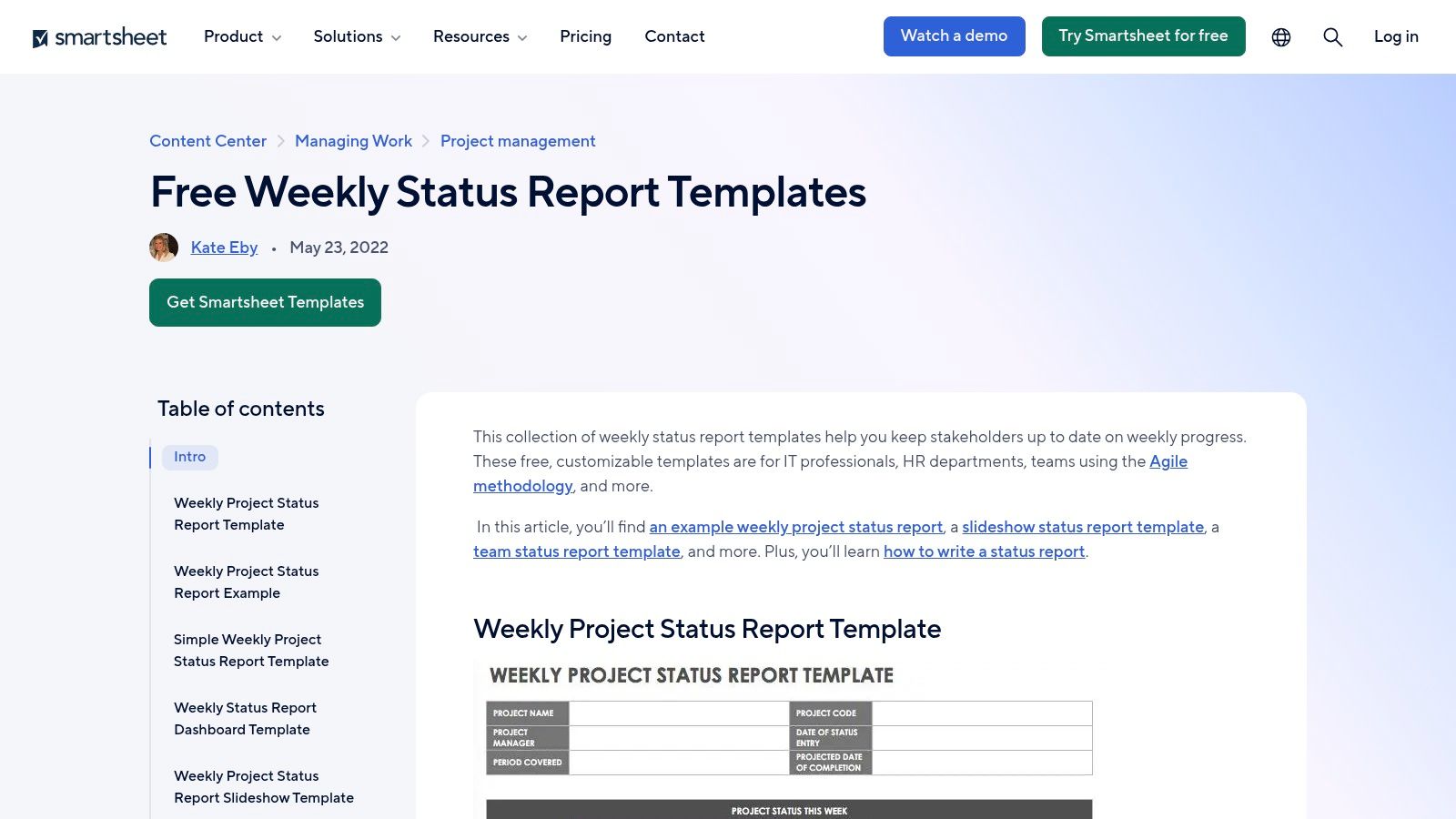
A client who prefers spreadsheets doesn't need a visual collaboration board. Smartsheet is my pick for familiar, spreadsheet-friendly reporting, especially when the deliverable will be a sheet or PDF. Its weekly status report template library includes Excel, Google Sheets, and Smartsheet options, with daily, weekly, and compact report variations.
For an Etsy campaign, adapt the columns to the agreed search phrase, observation date, current position, previous observation, milestone, unresolved issue, and next action. Keep the evidence notes beside the ranking data so a reader can understand how the observation was recorded.
Choose the file format before the layout
Use Excel when the working file needs to stay local, Google Sheets when collaborators will update a shared sheet, or Smartsheet when you intend to use its automations. Community guidance and examples can help with implementation, but a downloaded template still needs an assigned updater.
The trade-off is manual maintenance unless you connect the process to automation. The design is also utilitarian, which is fine when clients value readable data over presentation.
Before adopting, check PDF page breaks, formula protection, sharing permissions, and where historical copies will live. Keep the working tracker separate from the dated client deliverable so later edits don't obscure what you previously reported.
5. Miro Project Status Report Template
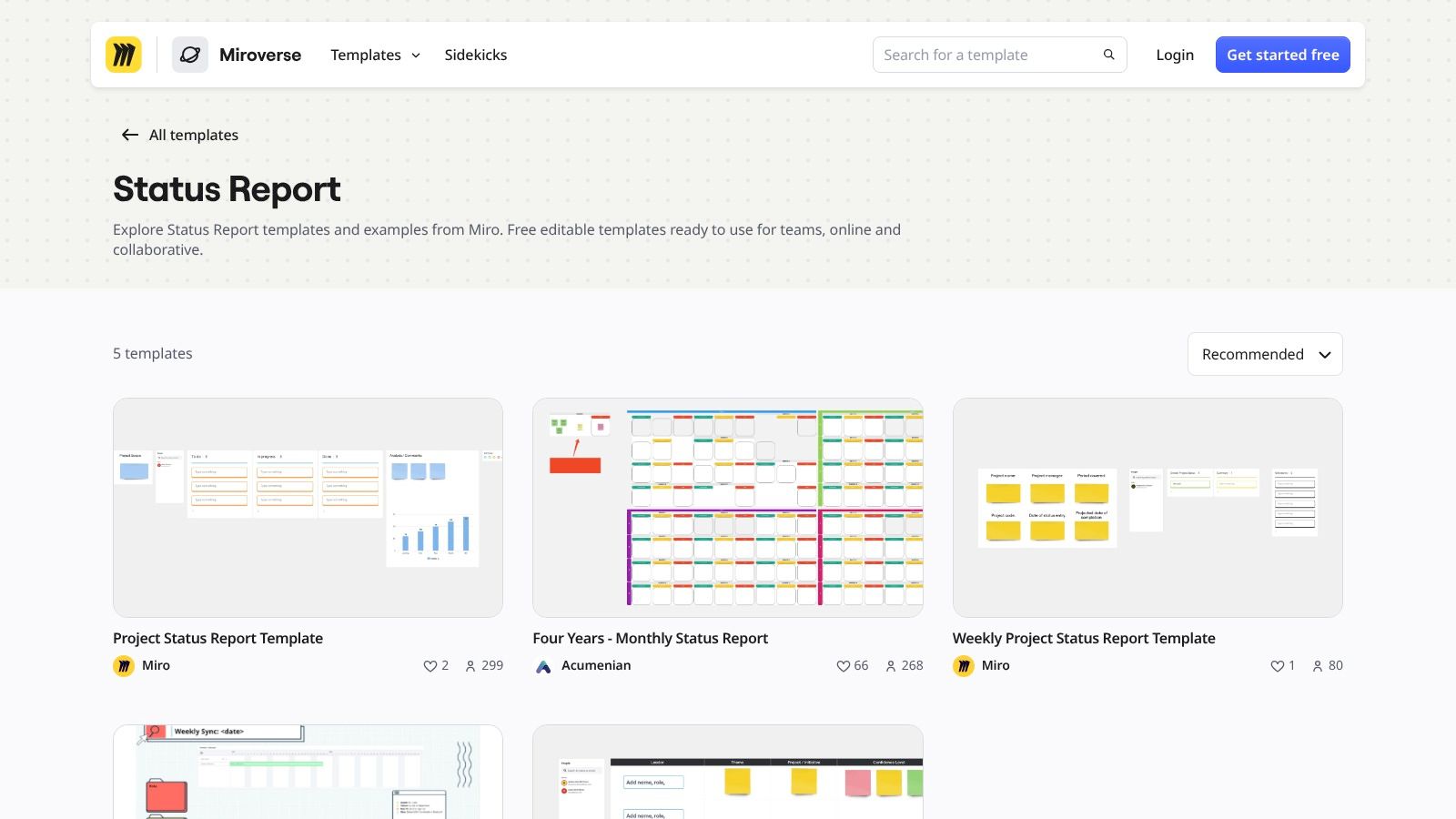
Choose Miro when the update needs to be discussed visually. Its Project Status Report Template places progress, milestones, risks, and decisions on a shared canvas. Real-time collaboration and comments suit review meetings where stakeholders need to annotate the report instead of just receiving it.
For an Etsy seller, that could mean placing a dated search-result screenshot beside a short explanation of the observed position and the next campaign action. Related project-tracking examples and template variants offer starting points, but keep your own layout stable between updates.
Strongest use: Visual client reviews and executive snapshots.
Weakest use: Detailed, recurring KPI records that need consistent rows and historical comparisons.
Access check: Confirm whether clients can view the board or need a PDF or image export.
A screenshot supports an observation. It doesn't replace the search phrase, observation date, location, and measurement note.
Miro falls short as the sole record for a data-heavy campaign. Add a linked tracker or supporting data area rather than forcing every observation onto the canvas.
Before adopting, inspect the export at normal reading size. Make sure screenshots, status explanations, and decision requests remain readable, and save a dated snapshot so later board edits don't change the historical report.
6. Notion Project Status Report Templates
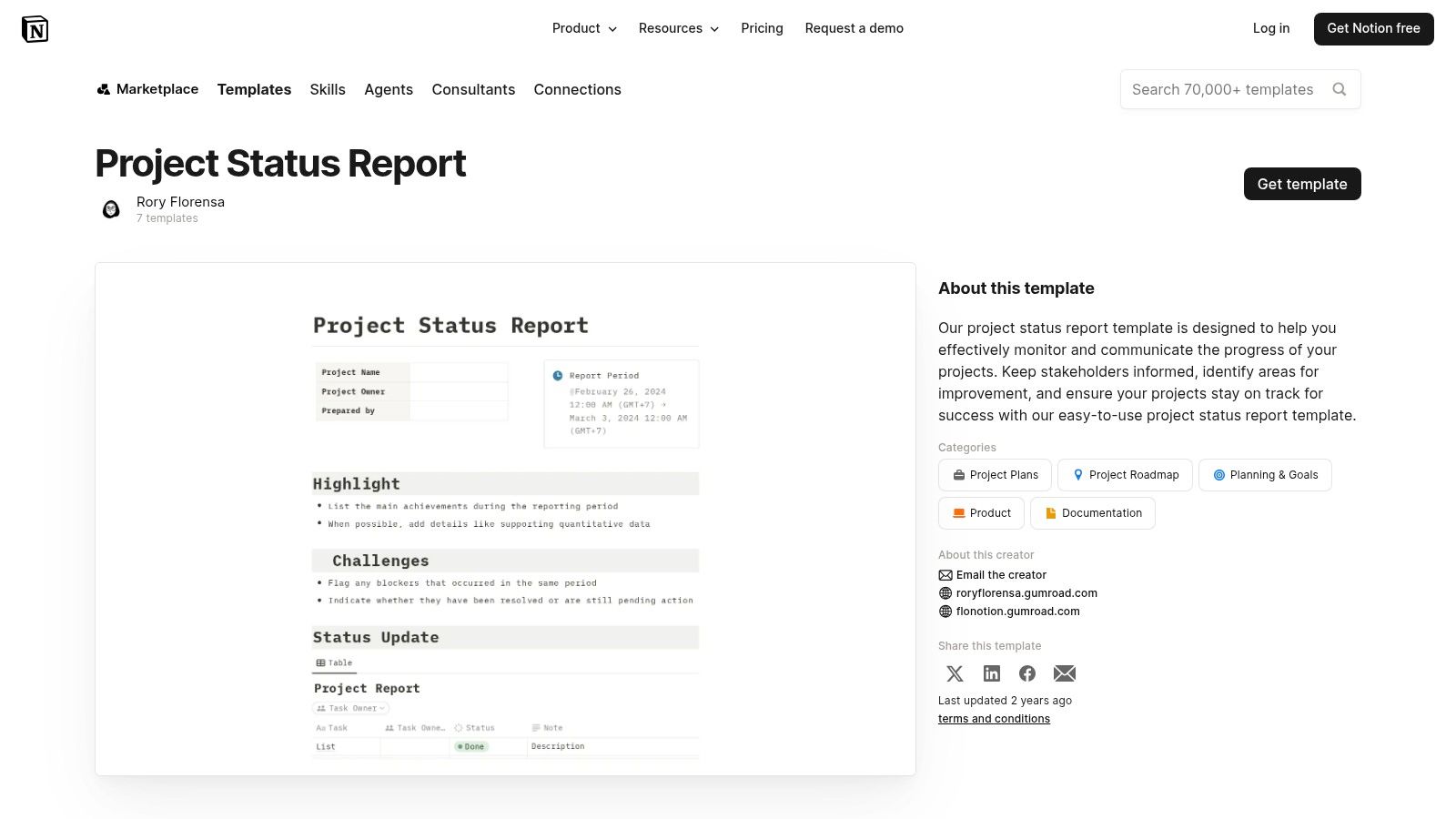
Notion works best when a report belongs alongside campaign notes, not in a separate reporting folder. Its project status report page templates can be adapted into recurring database entries. Database views and rollups can then support individual campaign views and a broader portfolio summary.
Choose it for a flexible reporting workspace, especially if your team already keeps documentation in Notion. A campaign page can hold the latest status, supporting notes, unresolved questions, and links to earlier updates without splitting that context across unrelated files.
Treat each published update as a record
Create a dated report entry rather than overwriting the same summary indefinitely. Keep the campaign's current dashboard separate from its reporting history, and use consistent database properties for status, owner, reporting period, and next action.
The drawback is setup. You'll need to decide how pages, properties, views, and rollups fit together before the template becomes dependable. Some advanced automation and AI features require paid tiers, so confirm what your chosen plan includes.
Before adopting, test client permissions and the PDF export workflow, including any community workflow you plan to use. Don't place internal studio notes on a client-facing page unless you've deliberately chosen to share them.
7. monday.com Status Report Templates
monday.com suits teams that want board-based reporting with clear health indicators. Its status report template guidance covers customizable boards, status columns, and dashboards for progress, campaign, and budget snapshots. Project-management templates can be adapted to campaign reporting, with scheduled email summaries available through apps.
The strongest reason to choose it is the connection between daily board updates and the report. That connection still needs rules: an item marked complete doesn't automatically mean the overall campaign is on track.
Define the colors: Explain what green, amber, and red mean for the agreed objective.
Check delivery: Decide whether clients will use guest access, emailed summaries, or Excel exports.
Check dependencies: Confirm which reporting features require a paid tier or an additional app.
For an Etsy campaign, show task status separately from observed ranking status. A completed promotion action and a confirmed search position are different pieces of information.
The main drawback is that reporting convenience can depend on plan features and app configuration. Before adopting, test the scheduled summary, recipient permissions, and exported fields. Keep a dated report copy when the client needs to audit earlier updates, rather than relying only on a board that continues changing.
8. Microsoft Word and Office Status Report Templates
Sometimes the right deliverable is a document the client can open. Choose Microsoft Word for straightforward, brandable reports without work-management app access. Microsoft's papers and reports template collection provides business report structures you can adapt for project status and progress updates.
Word supports branding and PDF output, while Word for the web offers collaboration. The wider Office workflow also includes a SharePoint project-management site template with a status-report pattern, although you don't need that setup for a simple client document.
Keep the document tied to its evidence
Use short sections for current status, completed work, timeline changes, blockers, and next actions. For listing campaigns, include ranking evidence with its observation date and measurement note, not just a cropped image.
Metrics require manual entry unless you build a connection through Power Automate or scripts. That makes Word less dynamic than a project dashboard, but it also keeps the reading experience straightforward.
Before adopting, decide where the master document lives, who can edit it, and how you'll name published PDFs. Don't circulate competing editable copies by email. Use the shared working document for preparation and the dated PDF for the approved client record.
9. Vertex42 Project Tracking and Status Templates
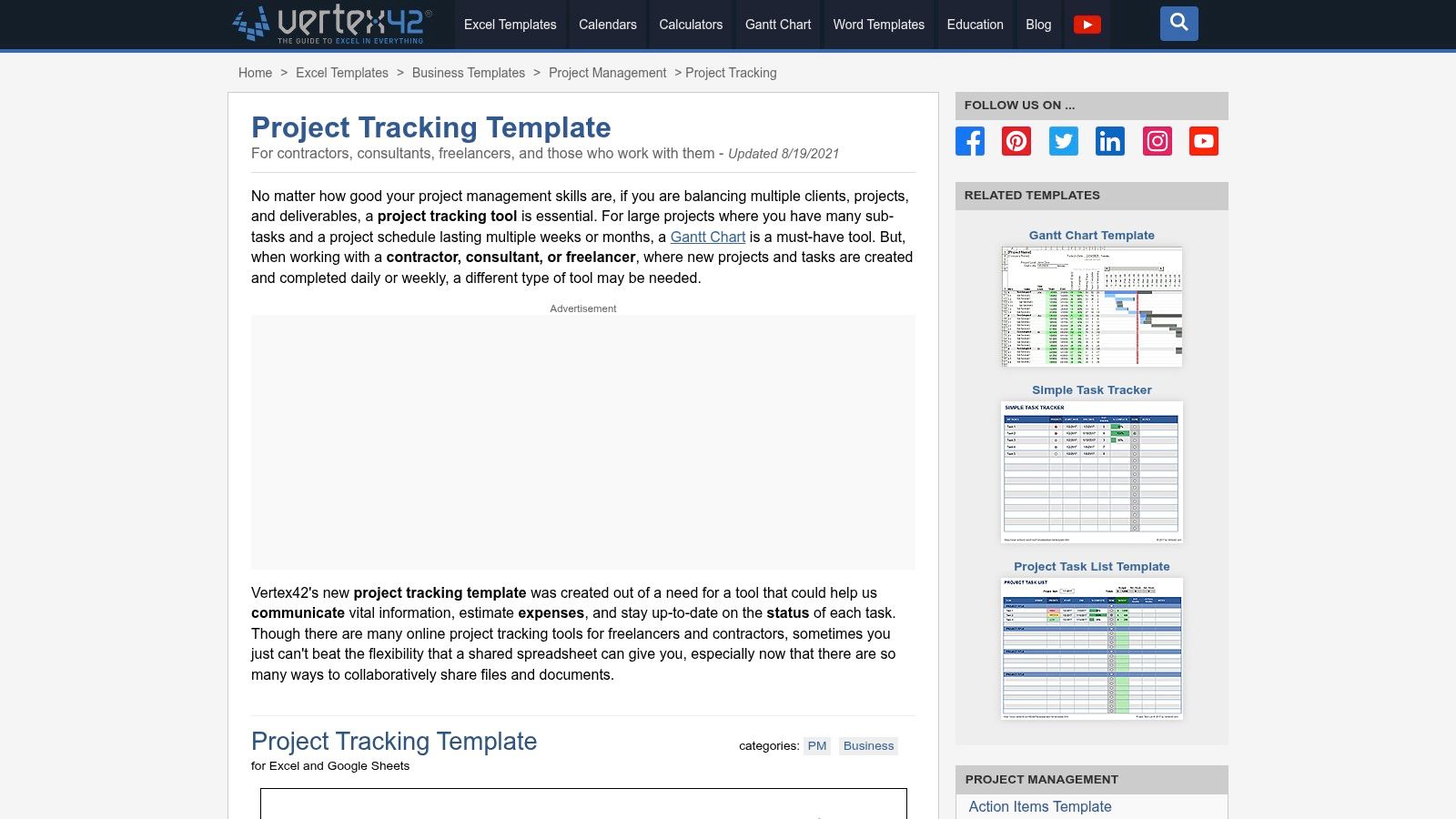
Vertex42 is a practical choice for an offline-friendly spreadsheet tracker. Its Project Tracking Template provides downloadable Excel and Google Sheets formats for task statuses and timelines, with related budget and schedule templates. The files are straightforward and don't rely on macros.
Unlike a presentation template, this is primarily a working tracker. Adapt it for recurring reports by adding a compact summary of current status, milestone changes, issues, and decisions needed.
Best fit: Teams comfortable maintaining spreadsheet rows and saving dated PDF updates.
Main limitation: Updates stay manual unless you connect the workbook to data sources.
License check: Review the private-use license before using or distributing adapted files for client campaigns.
Its spreadsheet-centric appearance is a trade-off, not a reason to reject it. Choose it when clients need clear statuses and timelines rather than a heavily branded presentation.
For Etsy reporting, keep dated ranking observations in a separate history area instead of replacing the previous value whenever you check again. Before adopting, test print settings, protect formulas, and identify the editable fields.
Assign a file owner as well. An uncomplicated workbook still needs someone responsible for validating updates and preserving the published version.
10. Canva Project and Progress Status Report Templates
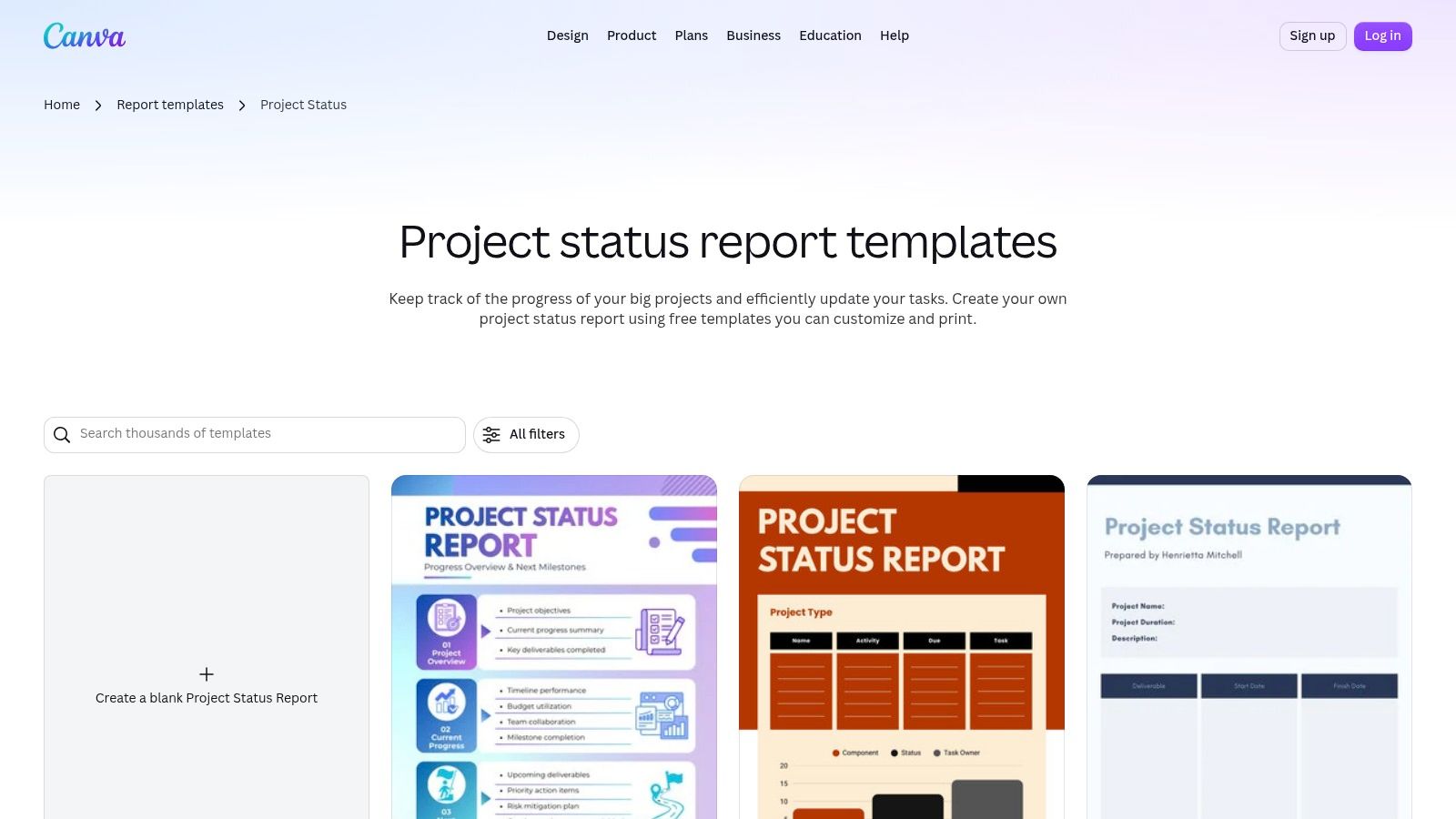
Choose Canva when the report is the presentation, not the working system. Its project status report designs offer editable layouts, branding options for logos, colors, and fonts, and PDF or image exports. You can combine screenshots with short narratives to create an executive-friendly summary.
Canva is the best fit for polished client-facing visuals, particularly when readers don't need to explore the underlying task records. Use a clear headline status, a small evidence area, an unresolved issue, and the next decision or action.
Presentation check: If the design makes an unfavorable status harder to notice, simplify the design.
Canva isn't a work-management tool. Data entry is manual or copied from another record, so keep a source tracker and validate the report against it before publishing. Version control also depends on how your team manages the Canva files.
Before adopting, confirm which design elements are available to your collaborators and test the export. Check that screenshots remain readable and that the report date is prominent.
Duplicate the approved design for the next reporting period rather than replacing the previous report. Keep internal comments separate from the final deliverable, and save the published PDF alongside its supporting evidence.
Top 10 Status Report Templates Comparison
Template | Core Reporting Features | Fit for Upglider Campaigns | Best For | Value & Trade-offs |
|---|---|---|---|---|
Asana Status Report | Progress, blockers, risks, milestones, dashboards | ★ Useful for structured ranking updates and campaign metrics | 👥 Teams already managing work in Asana | 💰 Pairs with existing workflows; external sharing may need guest access |
Atlassian Confluence Project Status Report | Project health, timelines, risks, decisions, Jira reporting | ★ Strong for campaign notes and durable progress records | 👥 Jira and Confluence teams | 🏆 Edit history and portfolio views; macros have a learning curve |
ClickUp Weekly Status Report | Progress, blockers, next steps, dashboards, exports | ★ Adaptable for recurring ranking updates and metrics | 👥 Teams using ClickUp for task tracking | ✨ Customizable formats; advanced reporting may require a paid tier |
Smartsheet Project and Weekly Status Reports | Daily, weekly, and one-page spreadsheet templates | ★ Practical for tracking ranking changes manually | 👥 Spreadsheet-first teams and clients | 💰 Familiar formats and easy PDF export; updates are mostly manual |
Miro Project Status Report | Visual canvas for milestones, risks, decisions, and comments | ★ Great for showing annotated Etsy search-result positions | 👥 Visual teams and executive audiences | ✨ Polished snapshots; clients may need access or an exported file |
Notion Project Status Report | Reusable pages, databases, views, and rollups | ★ Can organize campaign updates and portfolio tracking | 👥 Teams wanting flexible, connected documentation | ✨ Combines notes and dashboards; requires setup |
monday.com Status Report | Customizable boards, status indicators, dashboards, email summaries | ★ Clear campaign health and progress snapshots | 👥 Teams wanting visual status tracking and automation | 🏆 Strong status visibility; some reporting features are paid |
Microsoft Word and Office Status Reports | Editable report layouts, branding, collaboration, PDF export | ★ Good for sharing ranking evidence without app access | 👥 Clients who prefer familiar documents | 💰 Widely readable deliverables; metrics usually need manual entry |
Vertex42 Project Tracking and Status Templates | Excel and Sheets trackers for statuses, timelines, and costs | ★ Reusable for manual campaign tracking and PDF updates | 👥 Spreadsheet users needing offline files | ✨ Easy to adapt; updates are manual and spreadsheet-centric |
Canva Project and Progress Status Reports | Branded report designs with PDF and image export | ★ Ideal for polished visual ranking summaries | 👥 Non-technical clients and presentation-focused teams | 🏆 Quick, client-friendly reports; data entry is manual |
Build a Reporting Habit That Stays Useful
Choose the best status report template for your team's tools, audience, and update rhythm, not the one with the longest feature list. Keep Asana or ClickUp when your team already updates tasks there. Choose Confluence or Notion when context and history matter, spreadsheets when records matter most, and Word, Miro, or Canva when the client needs a readable deliverable.
The underlying problem isn't a shortage of layouts. A summary citing Wellingtone's project-management research reported that 47% lacked access to real-time project KPIs, while 50% spent at least a day each month manually compiling status information. Standardize the inputs before improving the presentation.
Current status: State whether the agreed objective is on track and explain why.
Evidence of progress: Show dated observations, milestone changes, and relevant comparisons.
Blockers and risks: Separate existing problems from possible future problems.
Decisions needed: Name the approver, recommended action, deadline, and consequence of delay.
Next actions: Give each commitment an owner and a due date.
Keep the executive actions first and the supporting history afterward. Match the reporting cadence to the work rather than treating weekly reporting as mandatory: PMI's guidance on project controls explains that frequency should reflect project priority, risk, and stakeholder needs.
For Etsy sellers, a focused dashboard should identify the listing, agreed search phrase, campaign timing, observed ranking, measurement method, and progress notes. Don't confuse completed promotional work with confirmed visibility. Retain historical observations and distinguish measured results from interpretation, including when an automated summary helps draft the update.
Assign a responsible reviewer before publishing. That person should check the evidence, confirm the status explanation, and make sure unresolved decisions haven't disappeared during editing.
If you want focused ranking help for an Etsy listing, submit your public listing URL and proposed search phrase for a pre-payment assessment with Upglider. Its independent campaigns target the agreed phrase and provide a status dashboard with step-by-step updates and studio notes, without requiring Etsy account access. Review the measurement method, campaign scope, and final terms before paying, and use the dashboard to track the agreed outcome rather than unrelated marketing activity.